Prompt engineering a wordmark with Gemini's nanobanana 2
I needed a new wordmark for vr000m. After some initial sketching, we settled on replacing the three 0 characters with geometric icons representing networks and a camera. Gemini's nanobanana 2 image generation model got me there, but it took roughly twenty iterations across three distinct phases to land on a final usable result. The biggest challenge was steering the image model towards a precise typographic design.
Conceptual alignment (iterations 1–4)
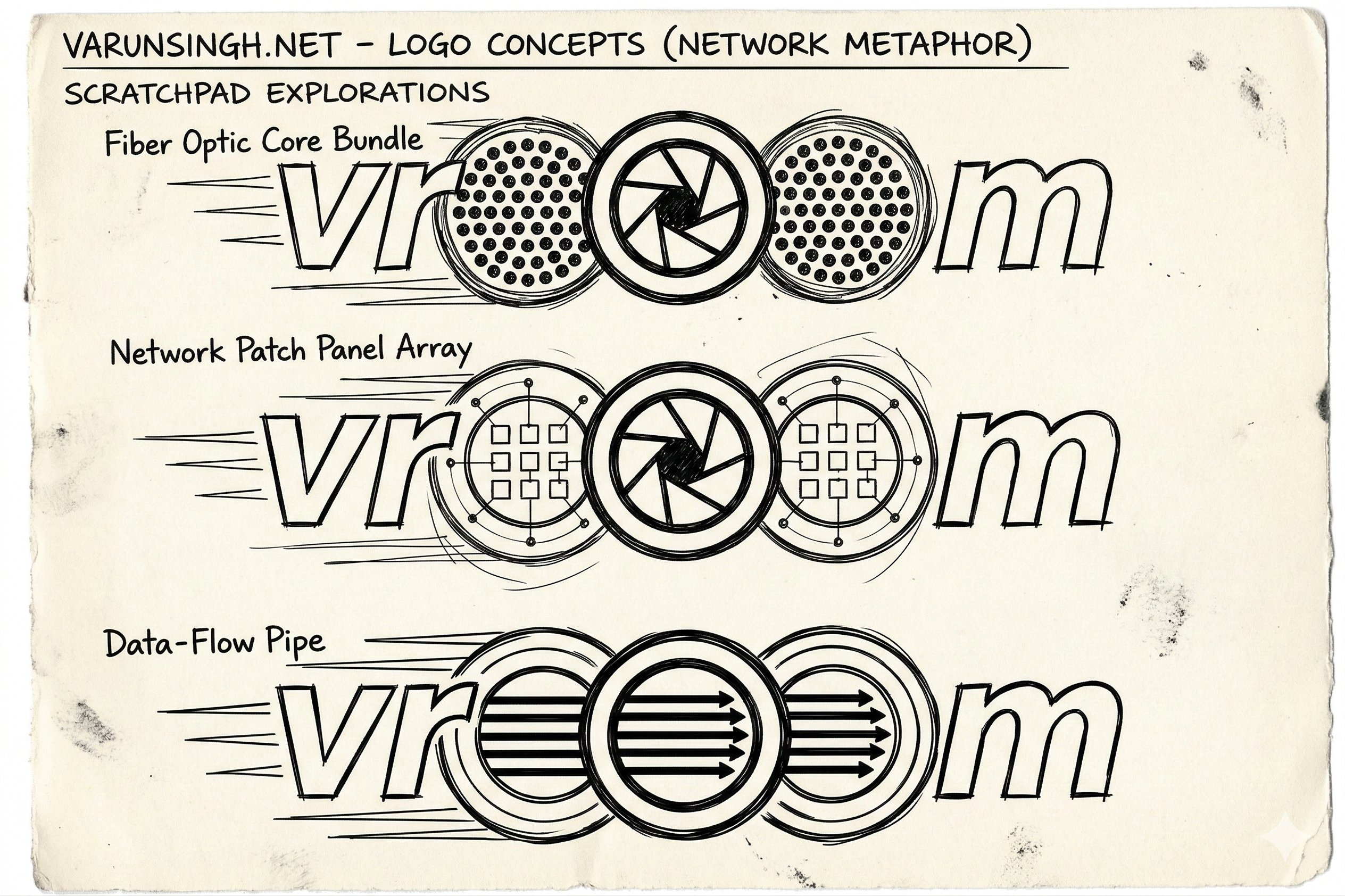
The first few rounds iterated on broad stylistic decisions. The model generated a scratchpad of many concepts, but the final three concept variants — Fibre Optic Core Bundle, Network Patch Panel Array, and Data-Flow Pipe — helped narrow the visual direction. I chose the Network Patch Panel Array because the grid pattern remained legible at small sizes, whereas the fibre bundle turned into an indistinct blob below 64px. This phase was the most enjoyable — the model produced lots of usable designs and I was able to mix and match ideas from different variants.
Structural precision (iterations 5–16)
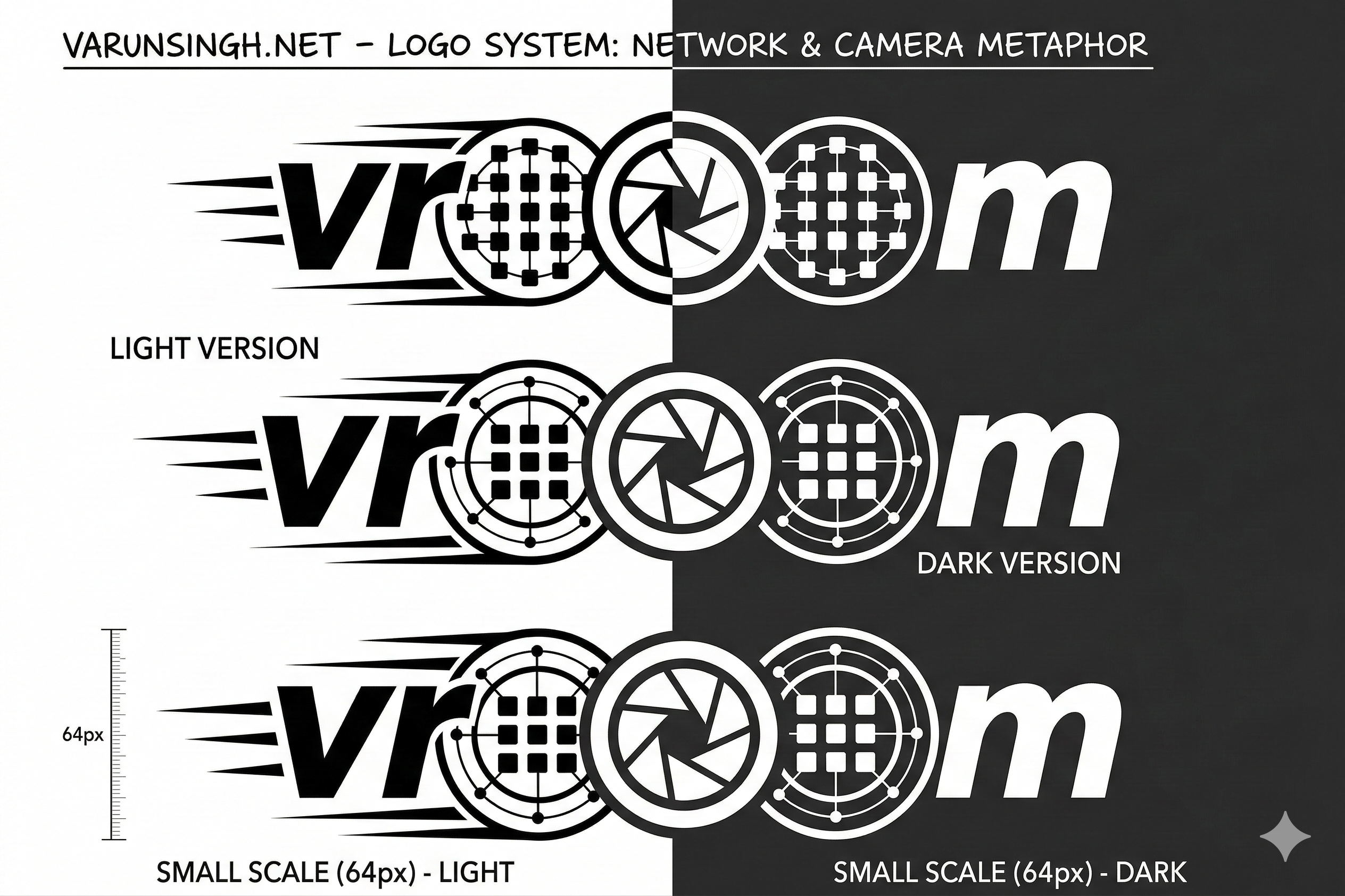
This was the most intense phase because the model kept forgetting some part of the prompt. The biggest battle was spelling — the model kept reverting to the dictionary word "vroom". I had hoped that identifying them as zeros would help with the disambiguation, but it didn't. The fix was relentless specificity: spelling out the exact linear sequence (vr - [network] - [aperture] - [network] - m) and stating that each 0 must be a separate, touching element.
Another key correction was updating the network node grid from 2x2 to 3x3 (the smaller grid looked like a window pane, not a network). The model also kept trying to fuse the network grid inside the camera aperture, producing a cluttered icon that was illegible at the target 64px height. Separating them into three distinct, touching circles solved it.
Technical clean-up (final iterations)
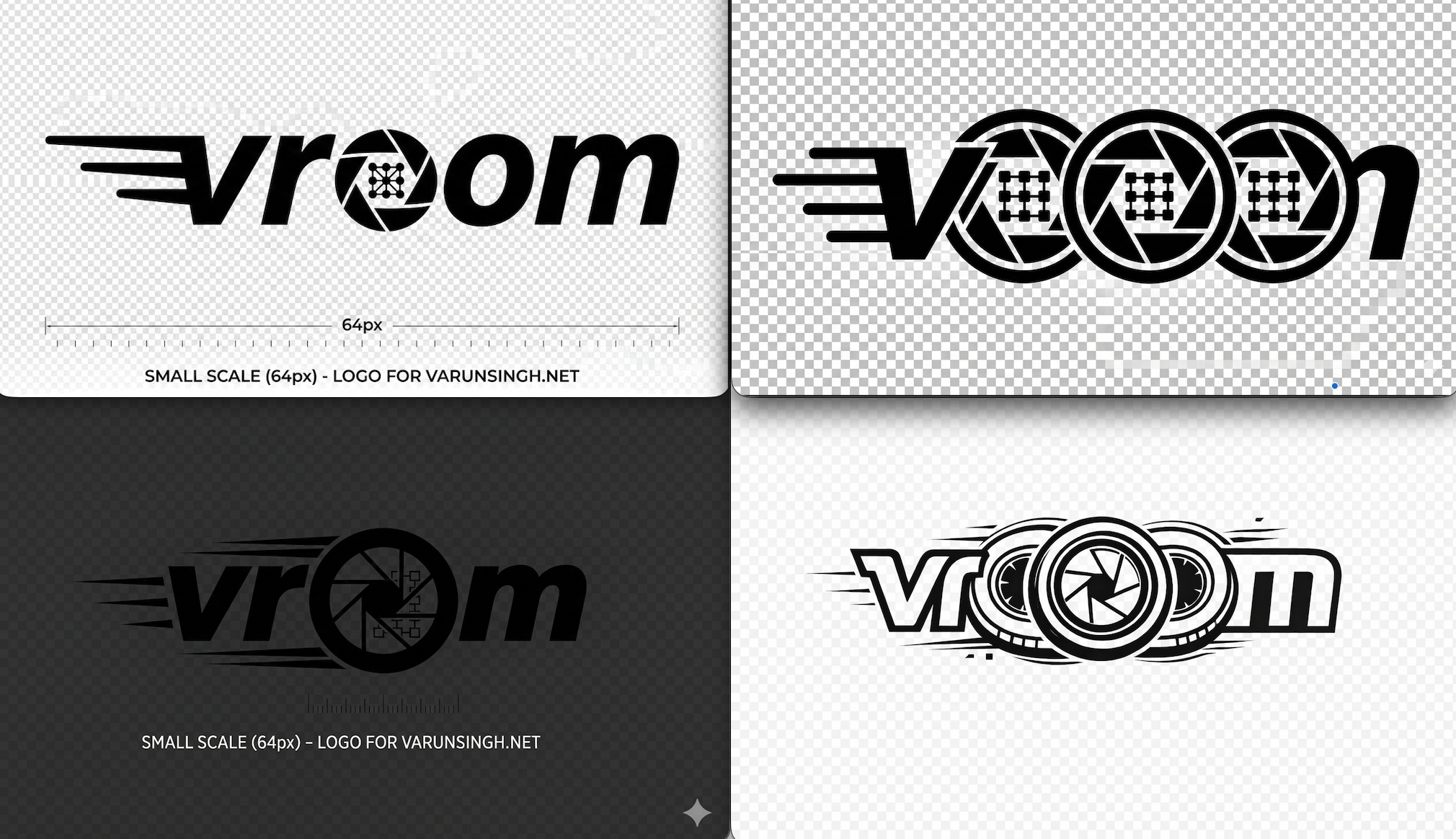
The last few turns were about removing superfluous circles and lines, ensuring the three central elements followed the correct sequence, restricting the velocity trails so they only swept from the letter v, and wrestling with the model's tendency to add things that were never requested.
Persistent problems included literal checkerboard patterns when asked for "transparent background" (the model rendered the checkerboard as actual pixels rather than an alpha channel), unwanted crosshairs and target markers on the network nodes, dimension rulers, scale markings, and even a circular "VROOM" seal that appeared unprompted during the dark-mode variant. (I basically gave up on the last one!)
The workaround for the transparency issue was to stop asking for transparency altogether. Instead, I requested "solid black asset on a solid white background" (and vice versa for the dark variant), then removed the background manually. For the unwanted flourishes, I added explicit negative constraints: "remove all scale markings, rulers, and extra text."
The final prompt
After all that iteration, this is the prompt that produced the wordmark I now use on the site:
Create a detailed vector logo of the wordmark 'vr000m' centered on a solid background.

Linear Arrangement:
vr - [Simplified Network Pipe 0] - [Simplified Camera Shutter 0] - [Simplified Network Pipe 0] - m.

The typography for 'v', 'r', and 'm' must be a bold, italicized,
custom-designed sans-serif font.

Positioned to the left of the 'v' are three bold parallel velocity trails.
The three central '0' elements must be arranged in a precise linear sequence:

* First '0': A clean, geometric 3x3 grid of interconnected small squares
representing networked nodes within the circle but do not draw the bounding
circles.

* Second '0': A simplified camera aperture with clean shutter blades
and a completely empty center.

* Third '0': An identical 3x3 geometric grid of networked nodes
to provide symmetrical balance.

The design must be a single-color (white) asset on a solid black background,
optimized for maximum clarity at small scales.
Remove all scale markings, rulers, and extra text.
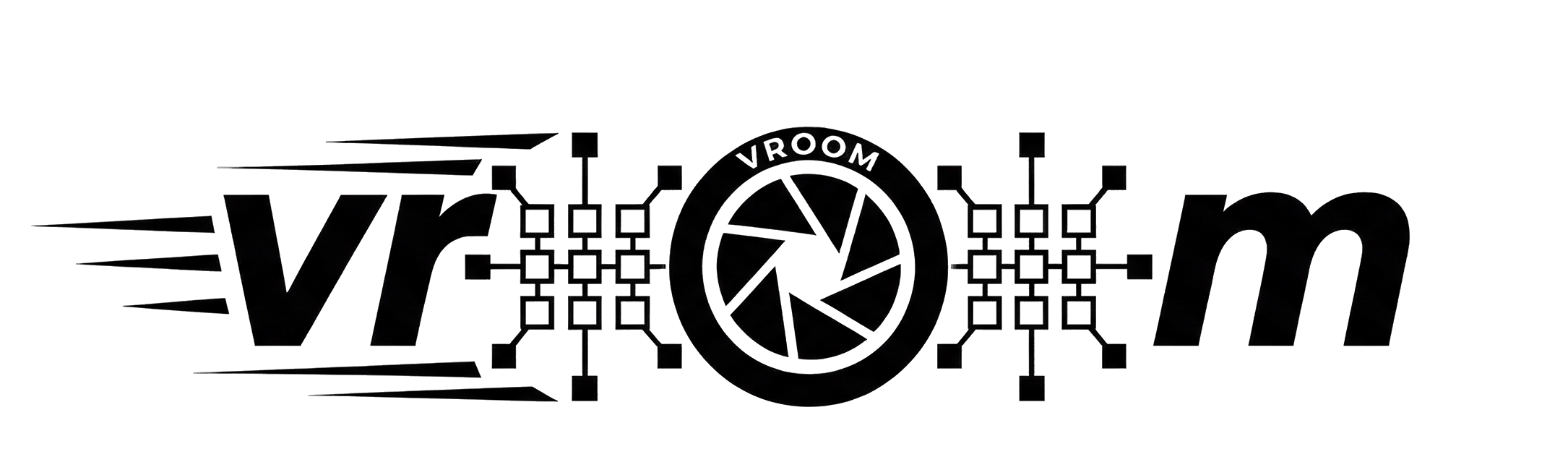
Pasting that same prompt into ChatGPT/Images 1.5, without any prior thread or context, produced this instead, it would take some wrestling to remove the unwanted velocity trails and perimeter circles:
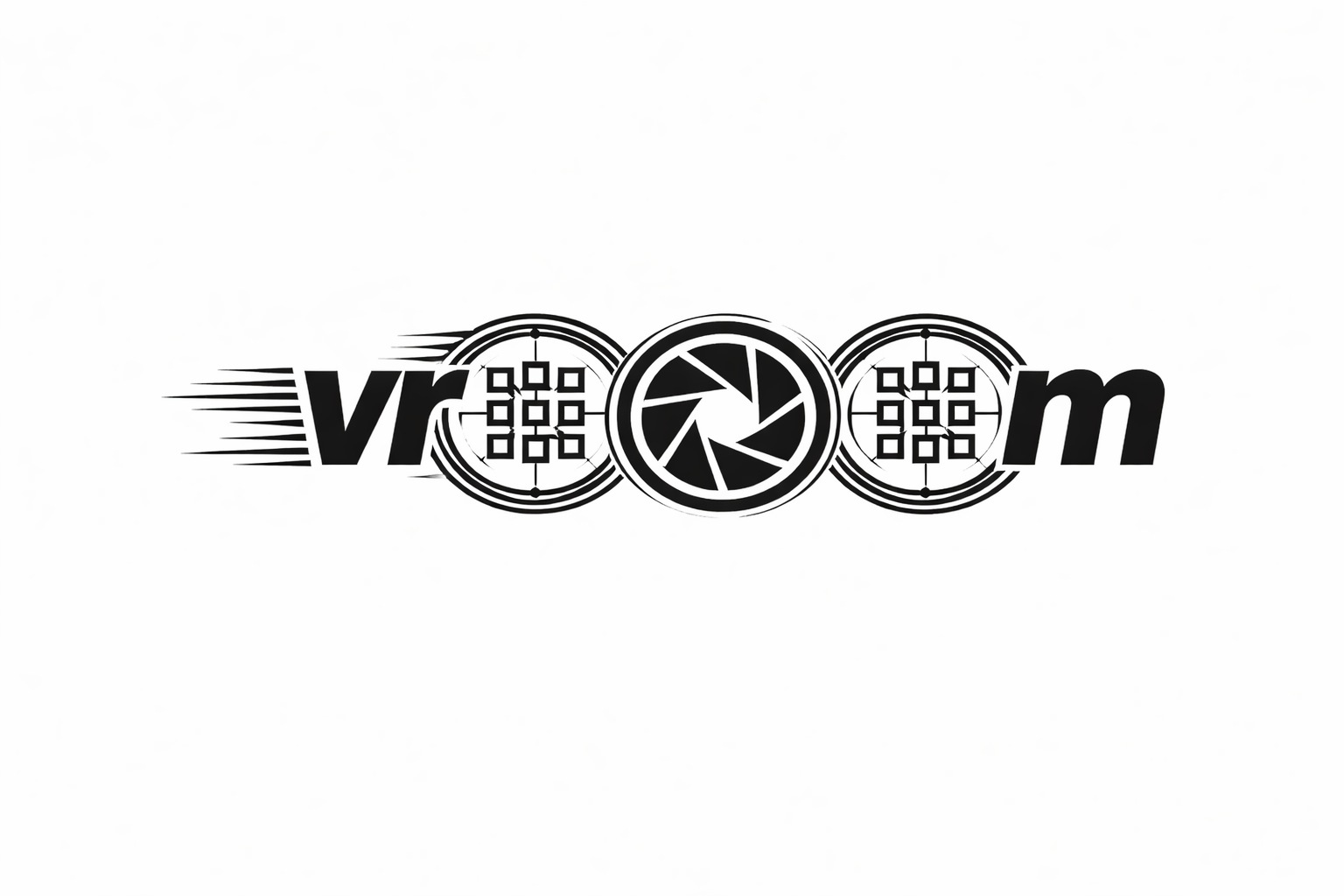
The main takeaway: generating a precise wordmark with an image model is less about a single clever prompt and more about a structured debugging loop of tightening descriptions and adding negative constraints for every unwanted element the model invents. Next time I would start with the negative constraints from the beginning rather than adding them reactively.